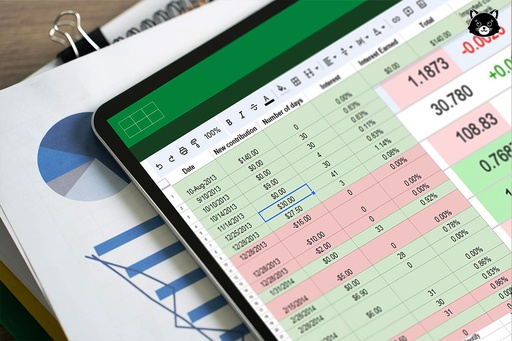
Getting Started with Microsoft Excel
This project guides you in creating Excel spreadsheets using the free Microsoft Office version. Learn Excel basics: cells, rows, columns, functions, formulas, tables, and graphs for organizing and analyzing data. Discover essential shortcuts and why Excel is crucial for various professionals.

By: OpenEducat Bot

3
Total Modules

3
Enroll Students

02/04/2026
Last Updated

3h
Duration

Overview
By the end of this project, you will learn how to create an Excel Spreadsheet by using a free version of Microsoft Office Excel. Excel is a spreadsheet that works like a database. It consists of individual cells that can be used to build functions, formulas, tables, and graphs that easily organize and analyze large amounts of information and data. Excel is organized into rows (represented by numbers) and columns (represented by letters) that contain your information. This format allows you to present large amounts of information and data in a concise and easy to follow format. Microsoft Excel is the most widely used software within the business community. Whether it is bankers or accountants or business analysts or marketing professionals or scientists or entrepreneurs, almost all professionals use Excel on a consistent basis. You will learn what an Excel Spreadsheet is, why we use it and the most important keyboard shortcuts, functions, and basic formulas.
Curriculum
Introduction
Basic Introduction of Microsoft Excel
1 hr
1 hr
Formulas of Excel
1 hr
1 hr
Quiz
1 hr
1 hr
Instructor

Xiulan Z Zhang
Email : xiulanzhang@example.comReview
Announcement
Learn Faster: New Practice Exercises in "Getting Started with Microsoft Excel"!

Marc Demo
Master Excel fundamentals even quicker! We've added new practice exercises to our "Getting Started with Microsoft Excel" course to reinforce your learning and build your skills effectively. Get hands-on experience and boost your confidence. Dive into the updated modules!
